Shareable Product Configurator in Shopware 6 — State in the URL
How I built a product configurator for a Shopware 6 storefront where the whole state lives in a ?cfg= URL parameter — what to serialize, how the PDF export works, what breaks, and the trade-offs of letting users edit a shared configuration.
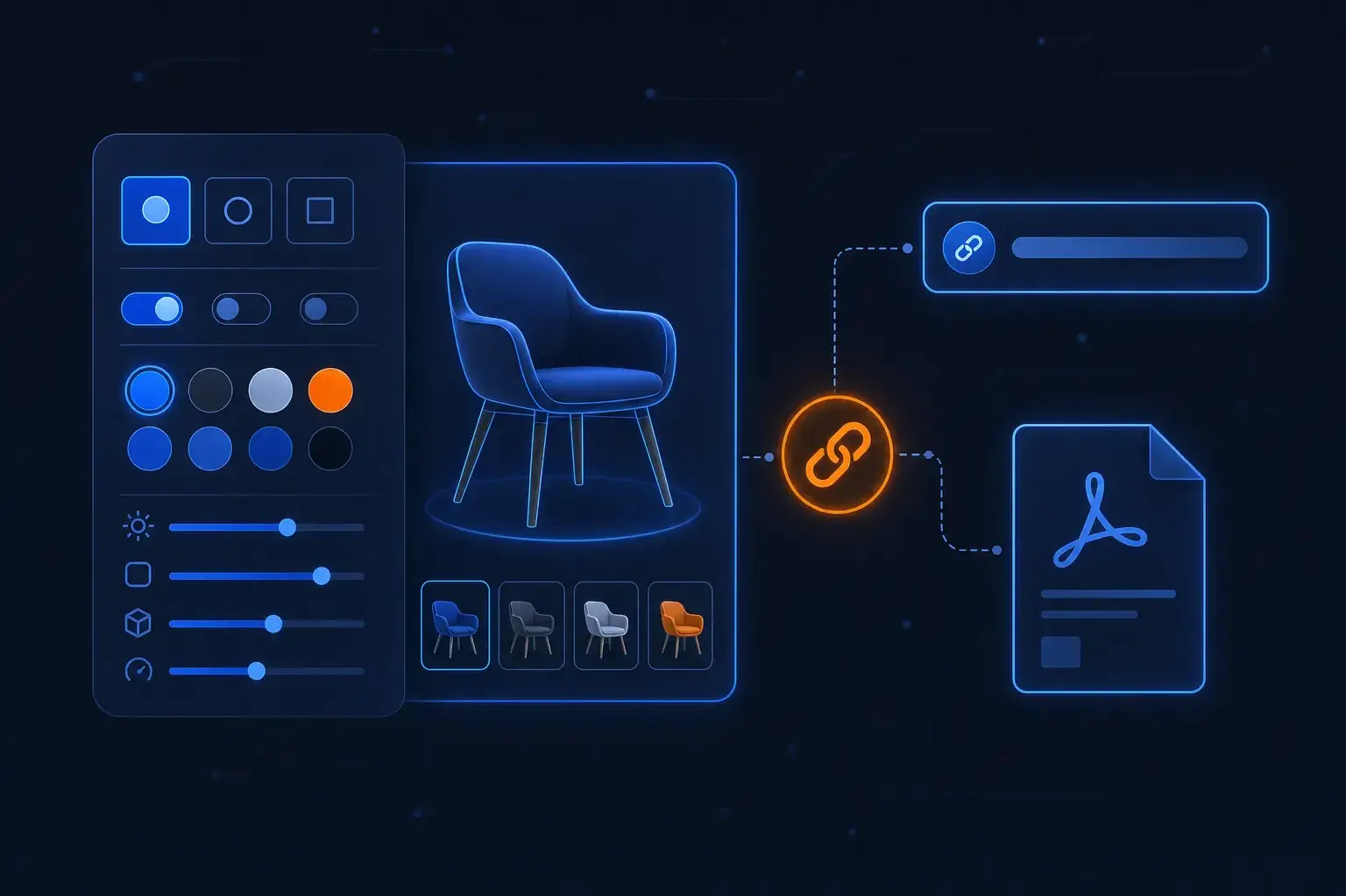
Recently I built a product configurator for a sports-equipment retailer's Shopware 6 storefront: a customer builds a custom ice-hockey stick step by step — colour, length, flex, shaft shape, blade pattern, finish, player name, team logo — and ends up on a summary page they can add to the cart, download as PDF, or send to someone. The concept lived in a Confluence page; the code is a Nuxt storefront in front of Shopware 6. This post is about the decisions that were not in the concept and mattered most: where the configuration state lives, what you put in it, and what happens when people want to edit what someone else shared.
State in the URL, not in the session
The share feature forced the main architectural choice early. A configuration has to survive three things: a page reload, being sent to another person, and ending up in a PDF that links back to it. A server-side session handles the first and fails the other two — the recipient has no session. So the state lives in the URL:
/configurator/<product-number>?cfg=<base64url(JSON)>
The payload is a flat JSON object whose keys all start with cfg, base64-encoded. Decoded, one of them looks like this:
{
  "cfgStickColor": "Reflecting Gold",
  "cfgStickLength": "58\"",
  "cfgFlexRating": "95",
  "cfgShaftShape": "Square",
  "cfgHandedness": "Right",
  "cfgBladePattern": "#77",
  "cfgShaftFinish": "Extra Grip",
  "cfgPlayerName": "Jane Doe",
  "cfgTeamLogo": "<media-id>"
}
Why a flat cfg* namespace? Because the same keys travel further: they end up as line-item payload in the cart. One naming convention means one place that knows what is configuration and what is not. A review comment later made that explicit — line items without a configuration must lose every root-level key starting with cfg, not just the known ones, otherwise a crafted payload can smuggle configuration-shaped data into an order. The test now includes a deliberately fake cfgFake key for exactly that.
Trade-off: the URL is the source of truth for sharing, so it is also untrusted input. Everything decoded from ?cfg= is validated like a request body, not trusted like state.
What to serialize — and what to reference
The rule I settled on: serialize choices, reference assets.
- Choices (colour, length, flex, name) are small strings. They go into the URL as-is.
- The team logo is an uploaded image. Putting it into the URL as Base64 would blow past any sane URL length and make links unshareable in chat tools. The link carries only the media id.
- The upload endpoint accepts PNG/JPG/WebP and re-saves every file as PNG with GD. SVG is deliberately rejected: the server-side re-encode can't read it, and user-supplied SVG on your media domain can carry scripts. Supporting it would need a separate converter — a separate ticket, not a quiet extension.
Referencing assets creates a new failure mode: the shared link outlives the asset. If the logo is gone when someone opens the link, the configuration is restored incomplete. We handle that explicitly — the shared logo is fetched through a dedicated endpoint (GET /store-api/fis/configurator/logo/{mediaId}) that applies the same folder rule as the cart and PDF. A 404 removes the logo and shows a "logo no longer available" note; network or server errors keep it, because those are not the logo's fault.
That dedicated endpoint exists because the first version looked the logo up through the generic media endpoint, which serves any public image. A "shared logo" lookup that can fetch arbitrary media is a bug, not a convenience.
The URL also needs a hard ceiling. The PDF endpoint receives the share URL, so both the Nuxt proxy and the Store API reject anything over 4096 bytes. Without it, a Store API route that embeds a user-supplied URL into a rendered document is an invitation.
The PDF export
The PDF is the summary as a document: configuration, product gallery, the team logo, and a link back to the share URL. It is rendered server-side in Shopware with Dompdf, in a Store API route.
Things that mattered in practice:
- Images are inlined as data URIs. Dompdf never fetches remote files; gallery and logo are read from media storage and embedded.
- Don't decode originals. Product originals can be around 8000 px. Image dimensions are read before decoding, anything over 4096×4096 is skipped, and gallery images use the smallest thumbnail that covers 1200 px. The logo is shrunk to 600 px PNG with transparency kept.
- Cache with care. Repeat downloads are common (the customer clicks again, the recipient opens the same link). Finished PDFs are cached in Redis for 10 minutes; the cache key covers everything that can change the output — sales-channel context (language, currency, tax, customer rules, so per-customer prices don't leak), the product and its last-updated timestamp, the validated configuration, the logo, and the share link. The browser gets
Cache-Control: private, max-age=300. No shared caching in the CDN: the URL doesn't contain the customer context, so a shared cache could serve one customer's price to another. - Rate limiting needs the real IP. The Nuxt server was calling the Store API itself, so Shopware counted every PDF request against the Nuxt host's IP — effectively one shared bucket for the whole shop. The fix was to let the browser call the Store API directly for the download and drop the proxy route.
Two automated review comments on this code were wrong (Dompdf accepting the protocol list as written; a getPath() that can't return null in Shopware 6.7). I checked each against the source and replied instead of "fixing" it. Review bots are fast, not authoritative.
"Can I edit a shared configuration?"
During stage testing, the client came back with the obvious feature the concept didn't have: open someone's shared link, then change it. A share link is a read-only summary by default, and the summary offered no way back into the steps.
The first version was small: an Edit configuration link on the summary that returns to the steps with all values kept and jumps to the first open step. As a side effect it fixed a dead end — a shared link whose logo had vanished used to trap the user on the summary; now Edit opens the team-logo step directly.
My first PR documented a known limitation: while editing, ?cfg= is not rewritten, so a reload restores the shared state, while the outgoing share link and PDF always use the current selection. That's an inconsistent mental model — the address bar says one thing and the share button another — so I built the rewrite in a follow-up:
let timer: ReturnType<typeof setTimeout> | undefined

watch(
  configuration,
  (cfg) => {
    clearTimeout(timer)
    timer = setTimeout(() => {
      const url = new URL(window.location.href)
      if (!url.searchParams.has('cfg')) return
      url.searchParams.set('cfg', encodeConfiguration(cfg))
      window.history.replaceState(window.history.state, '', url)
    }, 300)
  },
  { deep: true },
)
Three decisions are in those lines:
history.replaceState, not the router. Every router navigation fires a page view in analytics and the ad pixel. Syncing state to the URL must not inflate page views.- 300 ms debounce. Typing a player name must not rewrite the URL per keystroke.
- Keep other params and only touch pages that already have
?cfg=. A tracking parameter likeutm_sourcestays, and a normal product page is never rewritten.
I verified it in a browser: after editing the name, the address bar followed within about half a second, utm_source survived, history length didn't change, and a reload came back with the edited stick. The debounce also leaked a timer between unit tests and made the suite flaky until I fixed the isolation — a reminder that URL sync is global state.
Smaller things that bit
- Edit showed no options. After "Edit" on desktop, the step content is teleported into the right-hand column, which is created in the same render — so the teleport target didn't exist yet and Vue logged "Failed to locate Teleport target". Adding
deferto the<Teleport>fixed it. I wrote a test that fails without it. - Tracking. Events fire on first choice, on finish, and only on a successful add-to-cart of a configured item. They deliberately don't fire on page load, so someone landing on a shared link and going straight to the summary produces no start event.
- Product data decides the entry point. The "customize this" teaser on a product page keys off a PIM-imported custom field that holds the product number of the configurable variant. I checked on every environment that it exists and points to a real product — the field arrives with a PIM import prefix, not under the short name from the concept. A related custom field I was asked to verify turned out to carry per-language translated values, so using it to decide player vs. goalie logic would have broken in every non-German locale. Check the data before you write the condition.
Building the landing page from existing CMS blocks
The entry page was assembled in the Shopware CMS from existing elements and blocks, first locally via the Admin API, then turned into a migration so it can be reproduced on every environment. Two versions taught me the limit of that approach: v1 used product tiles (image and name from product data, but no "start customizing" button); v2 used text elements with hand-built cards (the right layout, but images are plain <img> tags — no responsive sizes, and name and image no longer come from the product). Pick which one you can maintain. If you need a whole-card link, you'll end up making a small frontend change after all.
What I'd tell you before you build one
- Put the state in the URL early; adding it later means rewriting how every step reads its value.
- Treat
?cfg=as hostile input and cap its size. - Serialize choices, reference assets, and design what the link does when an asset disappears.
- Edit-after-share is the first thing real users ask for. Decide up front whether the URL follows edits.
- Keep the PDF cache private and key it on everything that can change the output.
If you are planning a configurator on Shopware 6 — or have one that grew organically and hurts — Get in touch.
Enjoyed this?
Get new posts as they land.
Keep reading

531 Requests on a Homepage — Cutting a Headless Storefront Down to 101
A headless Shopware 6 + Nuxt storefront loaded 531 requests on its mobile homepage and scored 56 in Lighthouse. After one batch of changes on production it was 101 requests and 88. How I measured, where the weight came from, what I reverted, and a checklist for your own storefront.

Shopware 6 Meets AI Agents - What an MCP Server for Your Shop Could Do
MCP gives AI agents a standard way to talk to real systems. Here's what an MCP server over Shopware's Admin API could look like - the tool surface, the architecture, and the honest risks of letting an agent near a live shop.

Shopware 6.6 to 6.7 Migration Guide - Breaking Changes and a Safe Upgrade Path
Upgrading Shopware 6.6 to 6.7? Here are the real breaking changes - Vite, Symfony 7.4, Pinia, delayed cache - and a tested upgrade path that won't break production.