Migrating a JTL-Shop to Shopify: What to Import and What to Skip
There is no one-click connector from JTL-Shop to Shopify. Here is how I planned a real migration - what I imported, what I deliberately did not, how scripts verify the result, how to stop notification mails during an order import, and the launch checklist.
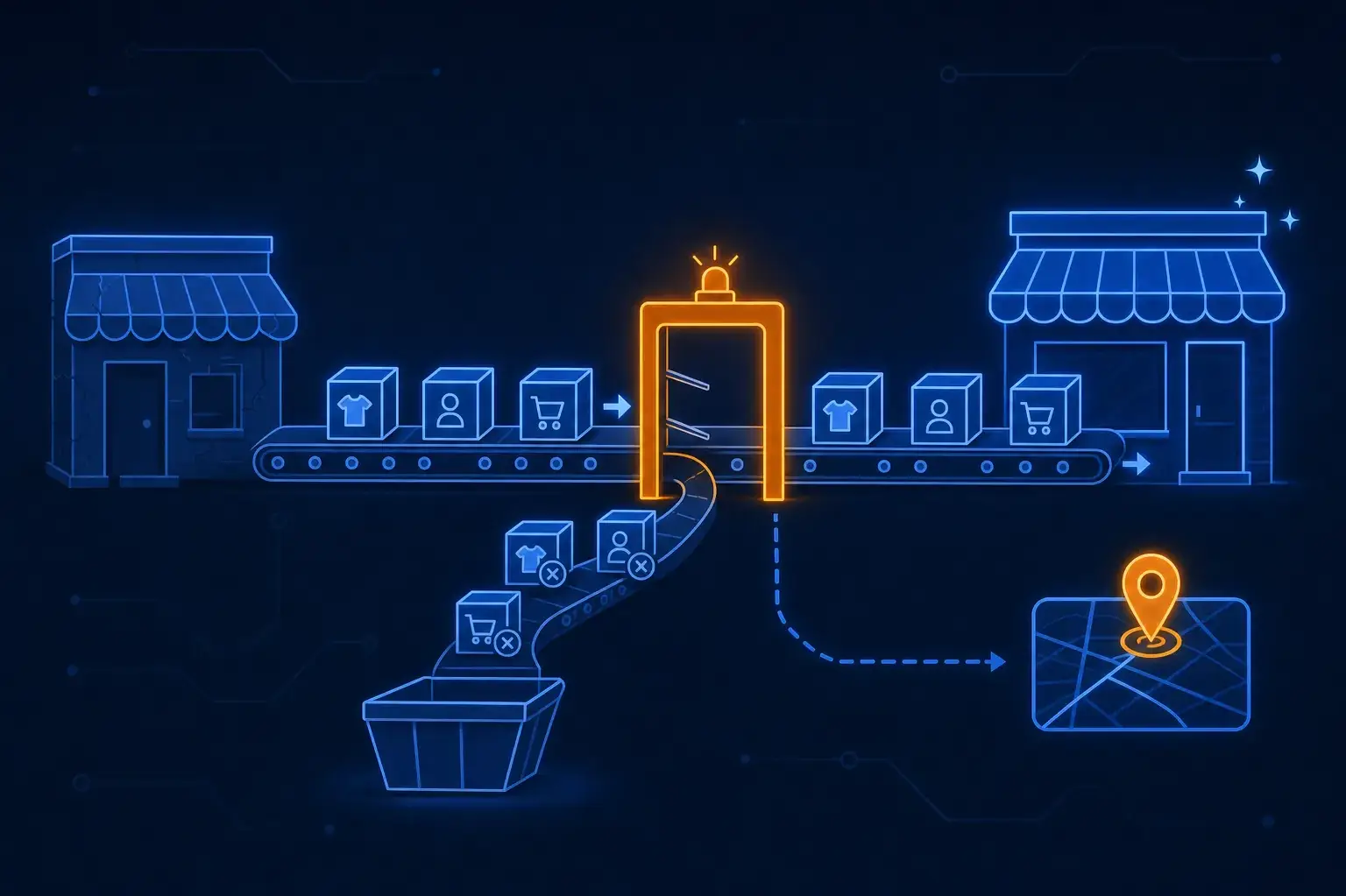
This week I moved a small D2C cosmetics shop from JTL-Shop 5 (the storefront of the German JTL ERP ecosystem) to Shopify. It was a one-person project with AI agents doing the grunt work, and it produced a few lessons I would have liked to read first. None of them are about the import button, because there is no import button.
There Is No Connector, So Plan What You Actually Need
I asked the obvious question first: is there a connector or export that takes JTL-Shop to Shopify? There isn't a one-click one. The JTL storefront only exposes active articles, and in this project the ERP was being retired, so Shopify became the leading system. That decision shapes everything else, so I wrote it down before touching data:
- The ERP goes away. Shopify is the source of truth afterwards.
- Single articles that are really sizes of one product become variants. The old shop had a variant "parent" article that was never purchasable; it only carried a display price.
- Categories become collections, with the old tree rebuilt as a menu.
- Reviews, bundles and back-in-stock notifications are only migrated if the old shop actually used them.
The product import itself runs through Shopify's native product CSV. Collections and blog articles need either Matrixify or the Admin API; redirects go through the native redirect CSV. I generated all of it with scripts from read-only access to the old shop, so the legacy system was never modified.
Merge Duplicates Before Import, Not After
The old catalog had the classic mess: the same product once as a single article and once as a variant, and handles like …_1 and …_2 that were really artifacts of the old URL scheme. Cleaning this inside Shopify afterwards means broken reviews and redirects. I resolved it in the mapping files first and kept a decisions.md log of each call.
That log paid off two days later. Someone asked why a product "was missing" in the new shop. It was not: the URL belonged to a non-purchasable variant parent in JTL (it only carried a display price, with three real sizes behind it). The decision was in the log, the old URL had a 301 to the merged product, and the answer took one lookup instead of a debugging session. If you merge products, write down which old URL maps to which new variant.
Orders: The Encrypted Fields Problem
Order history is where it got interesting. JTL-Shop 5 stores surname, company and street encrypted in the customer and address tables. A raw database dump therefore gives you order numbers, amounts, e-mail, postcode and city, but not the name or street.
I laid out four options:
| Option | Effort | Result |
|---|---|---|
| Export from the ERP (its database holds plaintext) | low | full data |
| Decrypt with the shop's key via a script | medium, needs server access | full data |
| Anonymized import | low | history and revenue, no addresses |
| No old orders at all | minimal | fresh start, old system as archive |
Full data was preferable, but the ERP export was not available, so I went with the anonymized import. What it keeps: order number (as a tag and a custom attribute), date, line items, amounts and taxes, e-mail, postcode, city, country, payment and shipping status, tracking numbers. What it deliberately drops: surname, street, company, phone and customer comments.
Two details that cost me time:
- Shopify discards a whole address if required fields are empty, taking postcode and city with it. A
-placeholder in surname and street keeps the rest. - Shopify does not let you set the fulfillment date on import, so the real shipping date goes into a custom attribute.
Also: invoices still have to be retained under German bookkeeping rules, so the old system or an archive stays relevant. Shopify does not need to replace it.
The Import Script: Resumable, Throttled, Idempotent
orderCreate does not work from an admin browser session, so I created a custom app in the dev dashboard with write access for orders and customers, to be uninstalled afterwards. The script is a plain Node process, not an agent task:
// Sketch: one order per call, append-only log makes restarts safe
const done = new Set(readLines('import.log').map((l) => JSON.parse(l).legacyNo))

for (const order of legacyOrders) {
  if (done.has(order.number)) continue

  const res = await gql(CREATE_ORDER, {
    order: {
      email: order.email,
      processedAt: order.date,
      tags: [`legacy-${order.number}`],
      customAttributes: [{ key: 'legacy_no', value: String(order.number) }],
      lineItems: order.items,
      // address with '-' placeholders for dropped fields
    },
    options: { sendReceipt: false, sendFulfillmentReceipt: false },
  })

  if (isThrottled(res)) {
    await sleep(65_000)
    continue
  } // retry same order
  appendLine('import.log', { legacyNo: order.number, id: res.order.id })
}
Reality check from the run: the dev store allows roughly five new orders per minute through the API, so about 1,600 orders take hours, not minutes. The first process died in the evening, most likely because the laptop went to sleep, so I wrapped it in caffeinate and later moved it to a launchd job. Because the log is append-only and checked on start, restarting never created duplicates. Six orders with bundle products failed because Shopify does not accept bundle variants as line items; the script now creates those as custom line items with title and SKU.
Silence Notifications Before You Import, Not After
I thought mails were off. I had disabled abandoned-checkout and the other marketing-style automations, and I used sendReceipt: false. Then the shop owner's inbox filled with "New order" mails.
sendReceipt: false only suppresses customer mail. The staff notification "New order" fires for every order created via the API. I stopped the import and switched off that notification. After the import had resumed and the mails kept coming, I switched off all six staff notifications (including the weekly summary) until the import was done. The mails already sent cannot be recalled.
So, before any bulk order import:
- Turn off every staff notification, not just the obvious one.
- Keep customer notification templates off while the store is not live.
- Put "re-enable New order and Order dispute updates" on the go-live list. Forget it and you lose real orders after launch.
Verify With Scripts, Not With "Looks Right"
A progress counter is not a verification. I set up a separate verify script to run after the import, with three checks against the legacy export: order count, revenue per year, and cancel status. Counting alone misses a half-imported year; revenue per year catches missing or duplicated orders and wrong tax handling; cancel status catches the case where cancelled orders silently become paid ones. I also spot-checked the first 16 imported orders against the legacy totals (amounts, payment status, shipping status, voucher codes, tracking numbers).
The same principle applies to redirects. The 560 redirects I had in the end were tested as data: no duplicates, no loops, no chains, every target exists, and every URL from the old sitemap answers with a 301 to a 200. If you want redirect and on-page checks as a repeatable crawl, I wrote about building an SEO crawler.
Blog: Easy to Move, Easy to Get Subtly Wrong
Shopify has a native blog with several blogs, tags, featured images, SEO fields and custom handles. The JTL blog (71 articles) has no clean export, so I read it from the database tables and the live pages. Image files had to be re-uploaded to Shopify Files and URLs inside article bodies rewritten. Two traps: the blog handle has to match the old URL prefix, or the redirects point to 404; and the old SEO titles import unchanged, so I rewrote suffixes, lengths and truncated descriptions across all articles afterwards.
Launch-Readiness Check
Before launch I had the products checked for SEO and SEA readiness. The verdict first time round was "not ready", and the list is a useful template:
- Store was still a development store (test payments only), payment providers incomplete.
- Domain not connected, password protection still on.
- Homepage title and meta description missing, no social image.
- Product meta descriptions cut off mid-word or formulaic, with typos; two products sharing the same title.
- Inconsistent title suffixes across products and collections.
- A utility collection still publicly reachable.
- Cookie consent and tracking pixels (they must not fire before consent).
- Legal texts still mentioning the old payment providers and the old ERP.
I also removed unprovable health claims from the meta descriptions, which is a risk for ads and under German health-advertising law.
What I Would Do Again
Decide the system of record first. Merge duplicates before import. Import anonymized history rather than block on data you can't get. Run bulk operations as resumable scripts, not as agent sessions. Write the verify script before the import, and write the notification checklist before the first test order.
If you are planning an ERP-shop to Shopify move and want someone to build the mapping, the scripts and the launch checklist, get in touch.
Enjoyed this?
Get new posts as they land.
Keep reading

Making Your Website Readable for AI Agents — What Actually Matters
llms.txt, agents.md, ai-catalog.json, AI-bot rules in robots.txt. I shipped all of it on marcofaul.de, then audited it and found four of my own files broken or missing. What the 2026 data says about these files, what really decides whether AI tools can read your site, and a checklist to verify it.

Scheduled AI Agents — What Weeks of Unattended Runs Teach You
Notes from running scheduled, unattended AI agents for a few weeks — a daily upstream-sync job, a research agent that publishes a page, and review-bot tuning. Guards, state files, failing publish steps, and where it breaks.

I Built My Own SEO Crawler - Architecture Notes from seo-pulse
Instead of paying for Screaming Frog or Ahrefs, I built my own SEO audit tool - a Bun monorepo with a Nuxt 4 UI, a pg-boss worker that crawls and scores sites, and an MCP server so AI agents can trigger crawls and read findings. Here's the real architecture, and the parts that hurt - deploys killing workers mid-crawl, queue schema upgrades, and Docker builds dying without an error.