Making Your Website Readable for AI Agents — What Actually Matters
llms.txt, agents.md, ai-catalog.json, AI-bot rules in robots.txt. I shipped all of it on marcofaul.de, then audited it and found four of my own files broken or missing. What the 2026 data says about these files, what really decides whether AI tools can read your site, and a checklist to verify it.
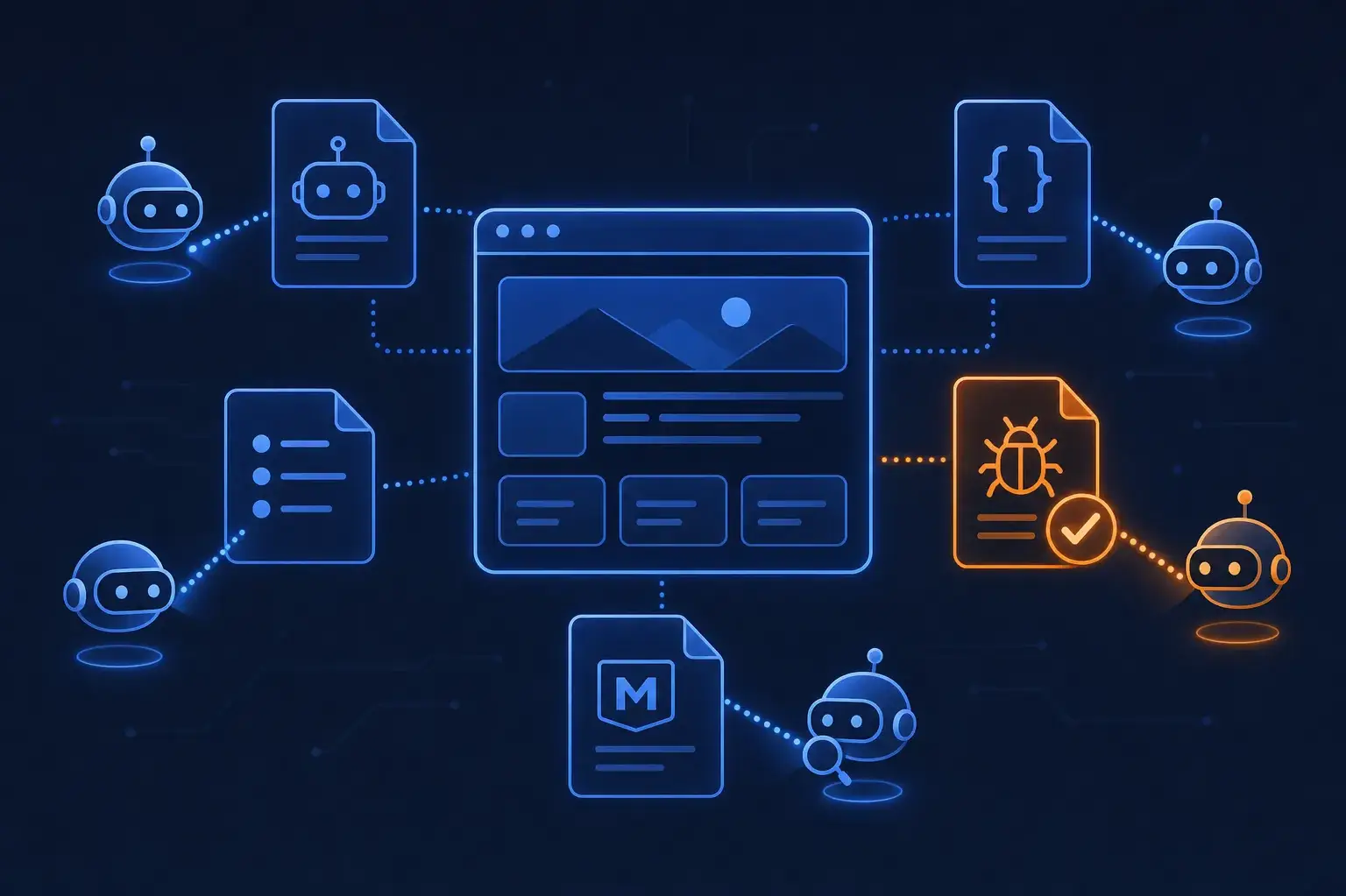
"Is my shop visible in ChatGPT?" is the question I hear most from clients this year. It has a name now, GEO or AEO, and an industry selling files for it: llms.txt, AGENTS.md, /.well-known/ai-catalog.json. I shipped all of them on this site during the rebuild in June. When I recently audited what an AI crawler actually receives, four things were wrong, and none of them showed up in the browser.
This post covers what the data says about these files, what actually decides whether AI tools can read your site, and the bugs I found in my own setup.
What the Data Says About llms.txt
The best evidence so far is Ahrefs' study of 137,000 sites from June 2026:
- 28% of the domains publish an
llms.txt. - 97% of those files received zero requests in May 2026. Nothing fetched them.
- Of the few files that were fetched, named AI tools caused less than a fifth of the requests. GPTBot and Claude Code were the top AI fetchers. Slackbot fetched more
llms.txtfiles than PerplexityBot. - No AI bot ever asked for an
llms.txtthat didn't exist. They don't go looking for it.
Google's own guide to generative AI features says, in a section titled "mythbusting", that you don't need special files or markup to appear in generative AI search. Days later, Chrome added an llms.txt check to Lighthouse's experimental agentic-browsing audits. Mixed signals, but the conclusion holds: llms.txt is a cheap extra, not a strategy. It helps coding agents and tools that already know to ask for it. It won't get you cited in an AI answer.
What Actually Matters, in Order
1. Your Content Is in the HTML
Most AI crawlers fetch your HTML and don't run your JavaScript. Vercel's crawler analysis showed this for OpenAI's and Anthropic's crawlers. A client-rendered shop without SSR is an empty <div id="app"> to them: no product names, no prices, no text.
Test it the way the crawler sees it:
# Is the product name in the raw HTML, before any JavaScript runs?
curl -s -A "GPTBot" https://your-shop.de/some-product | grep -c "Product Name"
Zero matches means SSR is broken or missing. Fix that first; every other step depends on it. For headless storefronts that's the main SEO risk anyway (see headless vs. traditional Shopware).
2. robots.txt Allows the Bots You Want — and Actually Exists
There are two kinds of AI bots, and blocking them has different consequences:
- Training crawlers (
GPTBot,ClaudeBot,CCBot,Google-Extended,Applebot-Extended) collect content for model training. - Retrieval and assistant bots (
OAI-SearchBot,ChatGPT-User,PerplexityBot) fetch pages live to answer a user's question and cite them.
Blocking training crawlers is a legitimate business decision. Blocking retrieval bots means you won't be cited. Many sites block both by accident, through a CDN "block AI bots" toggle somebody switched on and forgot.
My own mistake was simpler: the file wasn't in the build. I configured explicit Allow rules for nine AI user agents with @nuxtjs/robots. But that module only prerenders robots.txt for nuxt generate and the static presets, not for nuxt build with the netlify-static preset this site uses. The config looked perfect; the static output just didn't contain the file it described. The fix is one line:
// nuxt.config.ts
nitro: {
  prerender: {
    routes: ['/', '/blogs', '/rss.xml', '/llms.txt', '/robots.txt'],
  },
},
Lesson: check that curl -I https://your-site/robots.txt returns 200 on production, not just that the config is right.
3. Structured Data
JSON-LD tells machines what a page is: an Organization, a Person, a BlogPosting, a Product with price and availability, an FAQPage. This site generates it from one schema module (Organization, Person, WebSite, BlogPosting, BreadcrumbList, FAQPage) so every page type gets the same markup.
For shops this is the lever that matters most. Every AI shopping feature, whether it reads your pages, your Merchant Center feed or a future checkout API, needs clean product data: name, price, currency, availability, GTIN, variants. If your Product schema is missing on half your variants, no file at your domain root will fix that.
4. Content Machines Can Quote
AI answers quote passages, so write passages that stand on their own: a clear heading, the answer in the first two sentences, then the detail. Descriptive link text instead of "here". A summary before a long section. This is just good writing, and it has helped classic SEO for years.
5. The Cheap Extras
Once 1–4 are solid, the small files cost an afternoon:
/llms.txt— a Markdown summary: who you are, what you offer, key pages, recent articles. Mine is generated from the blog collection on every build, so it never goes stale./agents.md— instructions for agents acting on a user's behalf: entry points, supported tasks, constraints. Mine says, among other things: the contact form is Turnstile-protected, don't automate it, use email./.well-known/ai-catalog.json— a machine-readable index of what the site offers, following the AI Catalog spec (specVersion,host,entries).
{
  "specVersion": "1.0",
  "host": {
    "displayName": "Marco Faul — Faul IT Solutions",
    "documentationUrl": "https://marcofaul.de/agents.md"
  },
  "entries": [
    {
      "identifier": "urn:air:marcofaul.de:site:llms-txt",
      "displayName": "llms.txt — site summary and recent articles",
      "type": "text/plain",
      "url": "https://marcofaul.de/llms.txt"
    }
  ]
}
What I Found in My Own Setup
Four defects, all invisible in the browser:
robots.txtwasn't prerendered, as described above.ai-catalog.jsondidn't follow the spec. My first version used a home-made shape (version,name,resources,services) that looked reasonable but matched no published schema. A registry crawling the file would have found nothing it understood. I rewrote it against the AI Catalog spec.llms.txtlisted a post titled[object Object]. The blog post's frontmatter had an unquoted title containing": ". YAML read it as a key-value pair, and the value became an object. The same bug was on the post's HTML<title>and<h1>, live, and nobody noticed for weeks. Quoting the title fixed it.llms.txtshowed the wrong "recent" articles. It sorted posts bydate, but Nuxt Content puts custom frontmatter undermeta, so every date was empty and the sort did nothing. The list was cut at 20, so the newest posts were exactly the ones missing. The RSS feed had a related bug:new Date("06.10.2026")reads German day-month order as June 10th, and"22.07.2026"becomesInvalid Date. Both now go through one parser for theDD.MM.YYYYformat.
None of these would show up in a Lighthouse score, and none would ever be reported by a visitor. They only show up if you request the files the way a machine does and read the output.
A Checklist You Can Run in Ten Minutes
SITE=https://your-site.de

# 1. Content is server-rendered
curl -s -A "GPTBot" $SITE | grep -c "<h1"

# 2. robots.txt exists and says what you think
curl -s $SITE/robots.txt | grep -iE "gptbot|oai-searchbot|perplexitybot|claudebot" -A1

# 3. Optional files return 200 and real content, not your HTML 404 page
for p in llms.txt agents.md .well-known/ai-catalog.json; do
  curl -s -o /dev/null -w "%{http_code} $p\n" $SITE/$p
done
Then, by hand:
- Paste a product and a blog URL into Google's Rich Results Test and check the structured data.
- Read your own
llms.txtend to end, including titles and dates. - Check your CDN or WAF for a "block AI crawlers" setting, and decide deliberately which kind of bot it blocks.
- Look at your server logs: which AI user agents actually visit, and which pages do they request?
The Bottom Line
The work that makes a site readable for AI is mostly the work that made it readable for search engines: server-rendered HTML, honest robots rules, structured data, clear writing. The new files are worth an afternoon, but test them like production code. Nobody else will tell you they're broken.
If you want your shop checked the way an AI crawler sees it, that's part of my audits. For where this goes next in commerce, see what an MCP server for your shop could do.
Enjoyed this?
Get new posts as they land.
Keep reading

Migrating a JTL-Shop to Shopify: What to Import and What to Skip
There is no one-click connector from JTL-Shop to Shopify. Here is how I planned a real migration - what I imported, what I deliberately did not, how scripts verify the result, how to stop notification mails during an order import, and the launch checklist.

Scheduled AI Agents — What Weeks of Unattended Runs Teach You
Notes from running scheduled, unattended AI agents for a few weeks — a daily upstream-sync job, a research agent that publishes a page, and review-bot tuning. Guards, state files, failing publish steps, and where it breaks.

I Built My Own SEO Crawler - Architecture Notes from seo-pulse
Instead of paying for Screaming Frog or Ahrefs, I built my own SEO audit tool - a Bun monorepo with a Nuxt 4 UI, a pg-boss worker that crawls and scores sites, and an MCP server so AI agents can trigger crawls and read findings. Here's the real architecture, and the parts that hurt - deploys killing workers mid-crawl, queue schema upgrades, and Docker builds dying without an error.