Shopware Frontends - Building a Composable Storefront with Vue and Nuxt
Shopware Frontends is the official way to build headless storefronts on Shopware 6. Learn the Vue Starter Template, Nuxt layers, composables, and the Store API architecture.
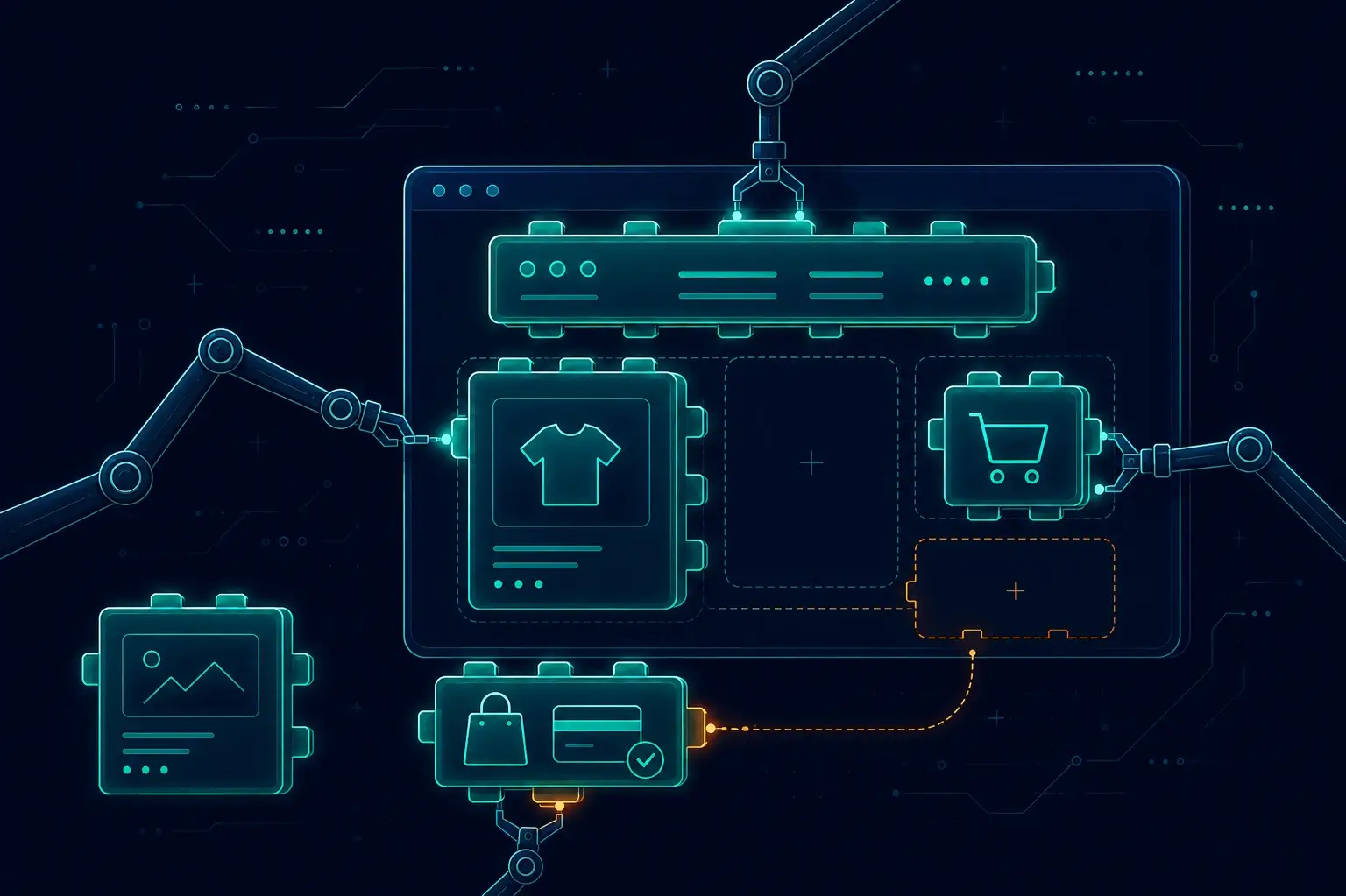
When a client first asked me to build them a headless Shopware storefront, I almost reached for a from-scratch Nuxt app. I'm glad I didn't. I spent about half a day exploring what Shopware Frontends actually offered before writing a single component — and what I found was a collection of Vue/Nuxt packages that handles the API client, composables, CMS rendering, and TypeScript types out of the box. That half day saved me weeks. This post walks through the architecture, the packages, the right starting point, and when this approach is actually worth the complexity.
The Architecture: Store API + Nuxt, Cleanly Separated
The mental model that clicked for me immediately: Shopware 6 owns the data, Nuxt owns the user interface.
Shopware 6 exposes everything through the Store API — products, categories, carts, orders, customer accounts, CMS content, search. It doesn't care what renders it. Every product detail page, every filter request, every checkout step is a Store API call.
Your Nuxt frontend handles everything the browser touches: rendering, routing, state management, server-side rendering (SSR), and caching. Deployed independently, scaled independently. A traffic spike on the storefront doesn't put load on your ERP or Shopware admin — the backend just serves API responses.
I've found this separation to be exactly as clean in practice as it sounds on paper. On a recent project, we needed to move the frontend to a different CDN region without touching the Shopware instance at all — that kind of independent scaling is only possible when the two layers are genuinely decoupled. It's the same separation I described in Why Headless Shopware 6 with Nuxt is a Game-Changer. Shopware Frontends is the official, opinionated way to implement it.
The Packages
Shopware Frontends is not a monolith — it's a set of scoped packages you compose. Here's what each one actually does:
@shopware/api-client
A standalone TypeScript HTTP client for the Store API. The thing I appreciate most: it's framework-independent — you can use it in a React project, a Svelte app, a plain Node.js script, or any environment that can run JavaScript. It ships with generated TypeScript types from the Store API OpenAPI schema, so you get autocompletion and type safety on every response without maintaining your own type definitions. I've wasted enough hours on hand-rolled API types to know this alone is worth pulling the package in.
@shopware/composables
Vue 3 composables that wrap the API client with reactive state. useAddToCart, useProductSearch, useCustomerOrders, useCheckout — the business-logic layer your components consume. Built on the Composition API; no Options API in sight. My rule of thumb: if the composable exists, use it before you reach for a direct API call.
@shopware/cms-base-layer
A Nuxt layer that provides default Vue components for rendering Shopware's CMS (Shopping Experiences / Layouts). Maps CMS block types to Vue components so your category pages and landing pages render CMS-managed content without you manually writing a component per block type. You override only the blocks you need to customise. I've found this particularly useful when clients need marketing control over page layouts — you hand them CMS control without giving up your component structure.
The Nuxt Layer / Module
Registers composables, sets up the API client with your Store API URL and access key, and wires everything into the Nuxt context. This is what makes the composables available globally without manual imports.
Start Here: The Vue Starter Template (Not the Other One)
There are two official starting points. This is where I'd save you a mistake I made myself: do NOT start on the Demo Store Template — I did once, thinking it was the more feature-complete option. It's not. Shopware classifies it as not production-ready. It exists to demonstrate capabilities and explore the packages. Use it to poke around, not to ship.
Vue Starter Template — this is the one you want. Since late 2025 it's based on Nuxt 4 with the app/ directory structure, uses Tailwind CSS for styling, and is explicitly positioned as a production-ready foundation. It ships as a fully functional storefront you refine, not a blank canvas you fill.
Bootstrapping is quick:
npx tiged shopware/frontends/examples/vue-starter my-storefront
cd my-storefront
npm install
Then add your .env:
NUXT_PUBLIC_SHOPWARE_ENDPOINT=https://your-shop.example.com
NUXT_PUBLIC_SHOPWARE_ACCESS_TOKEN=your-store-api-access-token
The template already runs on Nuxt 4. If you haven't worked with the app/ directory layout yet, the Nuxt 4 migration guide covers the structural changes and what moved where.
Nuxt Layers: The Multi-Brand / Multi-Storefront Model
The layers model clicked for me when I was looking at a two-brand project and dreading the idea of maintaining two separate repos with duplicated checkout logic. The extends chain is what solved it:
// nuxt.config.ts — your project
export default defineNuxtConfig({
  extends: [
    './vue-starter-template',        // your cloned/installed base
    '@shopware/composables/nuxt-layer',
    '@shopware/cms-base-layer',
  ],
})
Child layers inherit everything from parent layers and selectively override only what they need. A custom component in your project replaces the same-named component from the template layer. A custom CMS block component shadows the default from cms-base-layer.
The concrete payoff for multi-brand setups: you maintain one @shopware/composables layer with core business logic and two project layers for Brand A and Brand B. Both brands share checkout logic, wishlist, account pages — the hard parts — and only diverge in design and brand-specific flows. No copy-pasting composable logic between repos. I've seen teams burn a lot of time keeping two codebases in sync; this architecture makes that problem largely disappear.
What You Get Out of the Box
This is where I always pause for a moment when onboarding someone to Frontends, because the list is genuinely substantial. A fresh Vue Starter Template ships with working implementations of:
- PDP — product detail page with variant selection and add-to-cart
- PLP — product listing page with faceted filters and sorting
- Search — live search with results page
- Checkout — cart → shipping/payment selection → order confirmation
- Account — registration, login, profile, addresses, order history, password/email change
- Wishlist — add/remove, persistent across sessions
- Newsletter — subscription and confirmation flow
- Layout — header, footer, navigation (mega-menu capable), side menu, account dropdown, modals
You're not assembling plumbing from scratch. The job is customising these pages to match your design system and extending them with your business requirements. Every time I've skipped appreciating how much comes pre-wired, I've ended up rebuilding something that was already there.
A Composable in Practice
Here's the shape of a typical usage — adding a product to cart from a PDP component:
<script setup lang="ts">
const { product } = defineProps<{ product: Product }>()

const { addToCart, isLoading } = useAddToCart(product)
const { count } = useCart()
</script>

<template>
  <button :disabled="isLoading" @click="addToCart()">
    Add to cart ({{ count }})
  </button>
</template>
useAddToCart manages the API call, loading state, and cart refresh. Your component stays declarative — no manual fetch calls, no manual state wiring. This is the pattern across the whole surface: the composable owns the side effects, the component owns the template. I've found this split makes components dramatically easier to test and reason about in isolation.
For features beyond the storefront baseline — like AI-assisted product discovery — composables are the natural extension point. An AI-powered product search integration slots cleanly into the same pattern: a composable wrapping the search logic, a component consuming reactive results.
When Frontends Is the Right Call
I've been asked enough times "is this overkill for our project?" that I've developed a fairly clear heuristic.
Use Shopware Frontends when:
- You need a custom design that the default Shopware storefront template system can't deliver
- You want a reactive UI for product configurators, live filters, or real-time personalisation — things the classic JS plugin system handles awkwardly
- You need to scale the frontend horizontally and independently from the Shopware backend
- You're running multiple brands or storefronts that should share core logic
- You want TypeScript types across your entire API layer without maintaining them yourself
Stick with the default storefront when:
- The project is a standard catalogue with no unusual UI requirements
- The team has no Vue/Nuxt experience and the timeline is tight
- The budget doesn't support the additional infrastructure complexity of a decoupled frontend
Headless is a multiplier — it amplifies velocity for teams that know Vue, and amplifies friction for teams that don't. I've seen both sides of that equation. Be honest about which situation you're in before you commit.
My Takeaway
Shopware Frontends gives you the official, typed, composable-first path to a headless Shopware storefront. The architecture is clean: Store API for data, Nuxt for rendering, composables for business logic, Nuxt layers for sharing and extending. The Vue Starter Template means you're not starting from zero — you inherit a complete storefront and customise from there.
If you're evaluating a headless Shopware project and want a technical audit, a second opinion on architecture, or hands-on implementation help — that's exactly the kind of work I do as a freelance Shopware + Nuxt developer. Get in touch.
Useful References
- Shopware Frontends Documentation — official docs, guides, and API reference
- Shopware Store API Reference — the API your frontend consumes
- Nuxt Layers Documentation — how the extends mechanism works
- Shopware Composable Frontends GitHub — source, examples, and the Vue Starter Template
Enjoyed this?
Get new posts as they land.
Keep reading

Shopware 6 Meets AI Agents - What an MCP Server for Your Shop Could Do
MCP gives AI agents a standard way to talk to real systems. Here's what an MCP server over Shopware's Admin API could look like - the tool surface, the architecture, and the honest risks of letting an agent near a live shop.

Shopware 6.6 to 6.7 Migration Guide - Breaking Changes and a Safe Upgrade Path
Upgrading Shopware 6.6 to 6.7? Here are the real breaking changes - Vite, Symfony 7.4, Pinia, delayed cache - and a tested upgrade path that won't break production.
AI-Powered Product Search in Shopware - Semantic and Vector Search That Converts
Keyword search misses what shoppers mean. Here's how to add AI semantic/vector search to Shopware 6 with embeddings - the architecture, the tradeoffs, and a practical build.