The Supply Chain Is the New Attack Surface - npm Worms and Slopsquatting in 2026
A self-replicating npm worm and AI-hallucinated packages are the supply-chain threats hitting JavaScript developers right now. Here's how they work and how I lock my projects down.
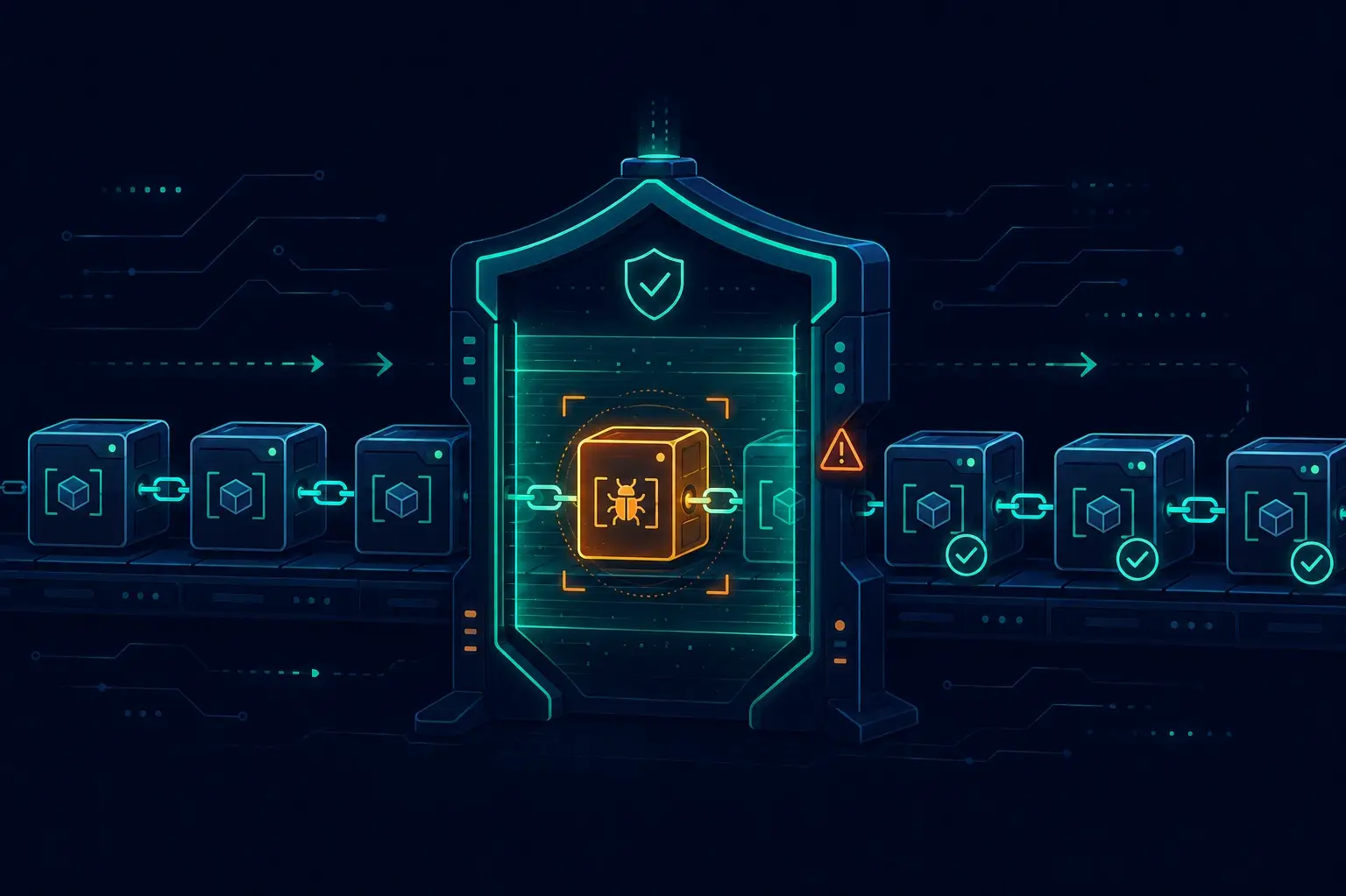
A while back I was doing a routine code review before a deploy — the kind where you skim the lockfile diff and look for anything obviously out of place. There it was: a package I'd never heard of, added as a transitive dependency, with a publish timestamp from two days earlier. New package, zero prior versions, no GitHub link in the manifest. My gut said something was off. I didn't install it; I rolled back the upstream dependency instead and spent the next hour reading about how supply-chain attacks actually propagate. That afternoon changed how I think about every npm install.
The supply chain has always been a weak spot. But 2025–2026 brought two threats that are qualitatively different from the typosquats and protestware of previous years. One is a self-replicating worm that turns compromised developer accounts into its own distribution network. The other is a class of attack that didn't even exist before LLMs — and it gets worse every time someone adds AI to their dev workflow.
Why the Supply Chain, Why Now
Traditional malware requires a human attacker to manually publish a package and hope someone installs it. What changed is automation: attackers now write code that spreads itself, and AI assistants generate install commands for packages that were never real to begin with.
Both threats target the same choke point: the moment you run npm install. By then it's already too late if you haven't done your homework up front.
Threat 1: The Self-Replicating Worm (Shai-Hulud)
In September 2025 a worm called Shai-Hulud hit the npm ecosystem. CISA issued a public alert on September 23, 2025. The mechanism is elegant in the worst way: steal an npm publish token from a compromised developer machine or CI environment, enumerate every package that token has write access to, inject malicious code into those packages, and republish. The initial wave compromised over 500 packages — not because the attacker manually touched each one, but because each compromised account's tokens unlocked the next set of packages.
Once inside a developer's environment it scans for secrets: GitHub tokens, AWS/GCP/Azure credentials, npm tokens themselves. Everything it finds gets exfiltrated to attacker-controlled GitHub repositories. The worm part is that stolen publish tokens from victim A become the vector for attacking everyone who depends on packages victim A maintains. No human attacker needed per hop. I find this genuinely unsettling — it's the supply chain attacking itself.
Version 2.0 arrived in November 2025 and I'd call it the more dangerous one. It moved execution from postinstall to npm PREinstall — meaning it runs before anything else touches your project. It dropped a heavily obfuscated payload (look for setup_bun.js morphed into bun_environment.js in affected versions), added a data-wiping capability, and ultimately affected tens of thousands of GitHub repos — around 25,000+ malicious repositories across ~350 users.
Then came what I'd consider the most significant escalation: Mini Shai-Hulud, released May 11, 2026. Over 170 npm packages and 2 PyPI packages across 404 malicious versions — the first supply-chain attack to simultaneously span npm and PyPI in a single coordinated operation. The threat actor "TeamPCP" exploited a pull-request workflow misconfiguration in TanStack's GitHub Actions CI to inject it. By mid-May they'd released the worm's source code publicly, which predictably spawned clones.
By June 2026, variants named Miasma and Hades were active. As of June 5, at least 57 npm packages and 300+ malicious versions were tied to Miasma alone. Even Red Hat-maintained npm packages with ~80,000 downloads per week were hit. At this point this isn't a niche threat — it's hitting mainstream, well-maintained packages.
The core lesson: the worm spreads on stolen publish tokens. That's the choke point you can actually control.
Threat 2: Slopsquatting
"Slopsquatting" was coined by security researcher Seth Larson. "Slop" = sloppy AI output. The mechanism: you ask an AI coding assistant to help with something, the model references a package that doesn't exist, an attacker has already registered that exact name on the public registry, and you — or an automated agent — runs npm install and executes malicious code.
I've caught this myself. You're vibe-coding, the model suggests react-codeshift (a January 2026 hallucination — it mashed together jscodeshift and react-codemod), and if you don't check, you're just running whatever was registered under that name. A confirmed malicious slopsquat called unused-imports ran post-install scripts to steal credentials and API keys. Attackers are systematically registering plausible-sounding names like aws-helper-sdk and fastapi-middleware specifically to catch this.
A USENIX Security 2025 study analyzed 576,000 AI-generated code samples across 16 LLMs. About 20% referenced Python or JavaScript packages that don't exist. More concerning: 43% of hallucinated package names recurred consistently across similar prompts, and 58% reappeared within 10 runs of the same query. Open-source models hallucinated package names at ~21.7% on average; commercial models at ~5.2%; some CodeLlama configurations exceeded 33%. GPT-4 Turbo was the lowest at 3.59% — still far from zero.
The autonomous AI coding agent angle makes this categorically worse. When an agent resolves and installs dependencies programmatically with no human glancing at the names — which is exactly what I'm seeing in the more advanced AI-assisted dev setups I build for clients, like the AI-driven product search pipelines I wrote about — there's no moment of "wait, is this real?" Slopsquatting is now considered a top-three supply-chain threat against AI-driven development.
How I Lock My Projects Down
This is the playbook I've settled on. I use most of these on every project I set up now; a few are CI-specific.
Disable install scripts by default
The worm's main execution vector is lifecycle scripts. My first line of defense:
# Set globally on your machine
npm config set ignore-scripts true

# In CI — always
npm ci --ignore-scripts
If you use pnpm, you get this by default — lifecycle scripts are blocked unless a package is explicitly listed in onlyBuiltDependencies in your package.json. That allowlist discipline is the right mental model even if you're on npm. I now maintain a short list of packages I know genuinely need build scripts (esbuild, sharp, @swc/core) and everything else gets none.
// pnpm in package.json
{
  "pnpm": {
    "onlyBuiltDependencies": ["esbuild", "sharp", "@swc/core"]
  }
}
Pin everything and add an update cooldown
npm install in CI is an antipattern. npm ci from a committed lockfile is the only acceptable option. I also never auto-merge dependency updates the same day they appear — Shai-Hulud releases get yanked within days once reported, but only if you haven't already pulled the malicious version. Renovate's stability window config:
// renovate.json
{
  "stabilityDays": 3,
  "prCreation": "not-pending"
}
Three days of "cooldown" before a version is even considered. Small friction, meaningful safety net.
Lock down your publish tokens
The worm spreads on stolen tokens. My hygiene:
- Use granular, scoped npm tokens with least-privilege (
automationtype for CI, not thepublishtoken from your personal account) - Require 2FA for publishing — both on your account and via
npm accesssettings on the package - Prefer trusted publishing / OIDC-based tokens over long-lived static tokens wherever the registry supports it
- Rotate tokens after any suspected compromise, obviously, but also on a schedule
# Create a least-privilege automation token (CI only, no 2FA bypass for publishing)
npm token create --type=automation --cidr-whitelist=<your-ci-ip-range>
Scan and maintain an SBOM
I run socket.dev on the projects where I control the CI. It catches behavioral signals — packages that started doing unusual things in a new version — not just known CVEs. npm audit is table stakes but it's backward-looking; Socket is more proactive. I also maintain a CycloneDX SBOM for larger client projects so that when something like Miasma gets flagged, I can check my exposure in minutes rather than hours.
The quality tools I already have in my standard CI setup make this relatively painless to add — it's another scan step, not a new workflow.
Harden your CI pipeline
Mini Shai-Hulud spread via a misconfigured GitHub Actions pull_request_target workflow. This is a well-known footgun: pull_request_target runs in the context of the base branch and has access to secrets, even when triggered by a fork PR. I've audited every workflow I maintain for this.
My CI baseline now requires:
# Pin every action to a commit SHA, not a tag
- uses: actions/checkout@11bd71901bbe5b1630ceea73d27597364c9af683 # v4.2.2

# Explicit least-privilege permissions block at the job level
permissions:
  contents: read
  pull-requests: read

# Never expose secrets to fork PRs
on:
  pull_request:  # NOT pull_request_target unless you've thought it through
If you want a deeper dive on the Node/npm stack context these workflows sit in, my Nuxt 4 migration post covers the toolchain setup I use as a baseline.
Vet every AI-suggested dependency
My rule: any package an AI assistant recommends gets the same ten-second check before I add it. Does it actually exist on the registry? Who published it, and when? What are its weekly downloads? If a model suggests something with zero downloads and a registration date from last week, that's a hard no until proven otherwise. I treat AI-suggested package names as unverified user input — because that's exactly what they are.
For any autonomous agent flow I build, I add an explicit allowlist gate: the agent can suggest packages but cannot install them without a human-verified allowlist approval. No exceptions.
My Pre-Merge Checklist
Before anything ships:
- ☐
npm ci --ignore-scriptspasses clean in CI - ☐ Lockfile diff reviewed — no packages I didn't explicitly add
- ☐ New dependencies checked: age, download count, publisher reputation
- ☐ No AI-suggested package names added without manual registry verification
- ☐ GitHub Actions using SHA-pinned actions + explicit
permissions:blocks - ☐ No long-lived npm tokens committed or exposed in CI logs
- ☐
npm audit/ socket.dev scan green (or exceptions explicitly acknowledged)
Closing Thoughts
I'll be honest — supply-chain security felt like background noise to me a few years ago. CVE scanners, dependency updates, standard stuff. What changed my perspective was realizing these attacks don't require you to do anything wrong. You can run npm install on a package you've used for years, and if its maintainer's token was stolen last Tuesday, you're now compromised.
The defenses aren't complicated. Most of them are config changes and workflow habits, not new tools. What they require is treating the supply chain with the same skepticism you'd apply to any external input — because that's all it is.
If you want to talk through hardening your CI pipeline or auditing your current npm setup, I'm available for consulting work.
Useful References
Enjoyed this?
Get new posts as they land.
Keep reading
1Password for Claude - AI Agents That Log In Without Ever Seeing Your Password
1Password and Anthropic shipped a zero-exposure integration that lets Claude log into websites and finish real tasks without the model ever touching a credential. Here's how it works, what it's good for, and where the limits are.
Purging Cloudflare's Cache Automatically on Every Netlify Deploy
This site sits on Netlify behind Cloudflare, and after every deploy Cloudflare kept serving stale HTML. Here's why the Netlify-CDN-Cache-Control header was a dead end for static files, and the 26-line build plugin that purges Cloudflare's edge cache the moment a deploy goes live — including the CJS/ESM gotcha that broke the first build.
Debugging LCP on a Real Site - A Case Study on marcofaul.de
A first-person walkthrough of fixing LCP on this very site - a JS reveal animation gating first paint, a font preload that held rendering hostage, a 5.8s image CDN cold start, and the measurement noise that almost sent me chasing ghosts.